Motion Blur
Motion Blur Explained
June 19, 2024

Motion Blur In Film
The default motion blur setting in Nuke is set to 0.5. 99% of the time this should not be changed. This represents a 180 degree shutter; this convention is a reference to film cameras that use a physical circular shutter driven by the camera.
24 FPS / 0.5 = (1/48th shutter speed)
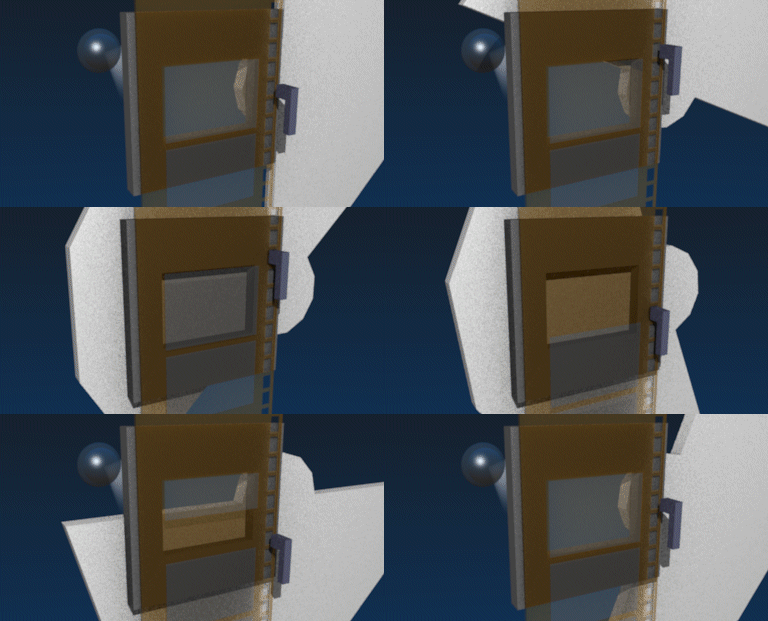
The reason for this 180 degree shutter rule is simply that it most closely matches the motion blur of human vision.
Cinematographers will change the exposure their shot by other means, nuetral density filters, lighting, ISO, and aperture.
Exceptions to the 180 degree shutter rule:
- If a shot is to be retimed in post. The shutter will be set to something much 'tighter' resulting in sharper frames. The reason for this is that it opens the door to retiming the shot in post and generating stythethic motion blur with optical flow. It is easy to add motion blur, but nearly impossible to remove it.
- A tighter shutter speed can create a jittery look and enchance the intensity of action sequences.
Motion Blur in Film
With almost no exception motion blur for film VFX should be done in 3D and not by comp. Modern raytracers such as RenderMan, Arnold, Clarisse, Hydra can easily provide this.
pro-tip
When creating keyframes for animation, make sure that the motion continues outside the first and last frame so that the first and last frames have continuous motion blur.
Motion Blur for TV
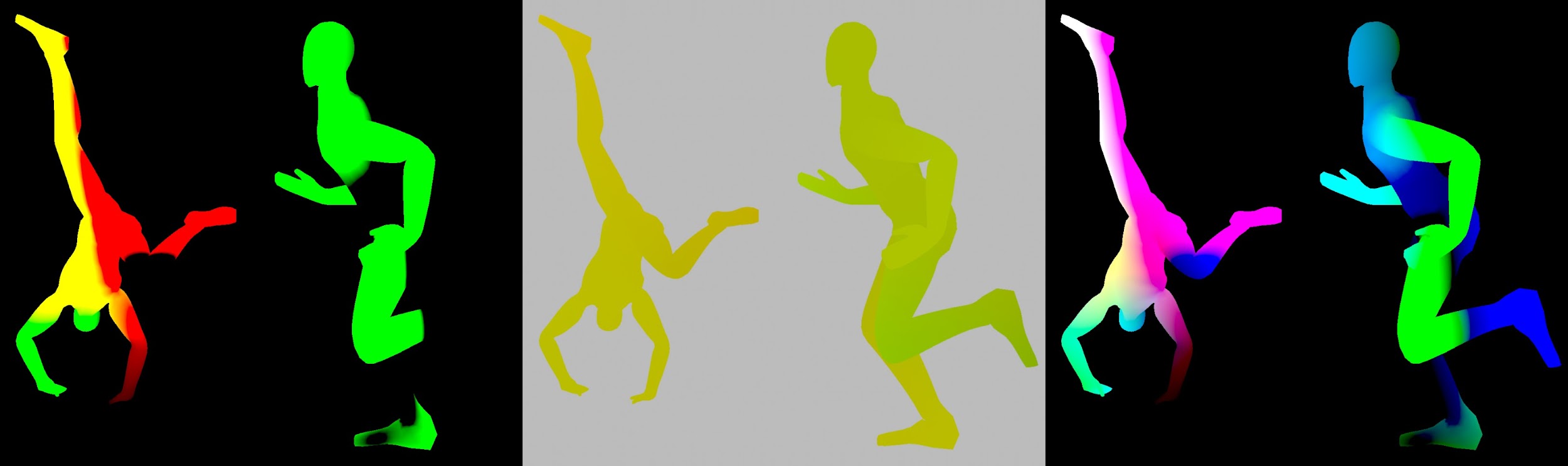
For budget productions, motion blur can be achieved with motion vectors. The shortcoming of this approach is that it is a strictly 2D result, represening a linear blur according to the screen space movement of geometry on screen. Where an object may be moving to or from the camera, this is not accurately accounted for. However nowadays, render engines can provide 3D motion blur without too much overhead.